What I’ve Learned About Plugins
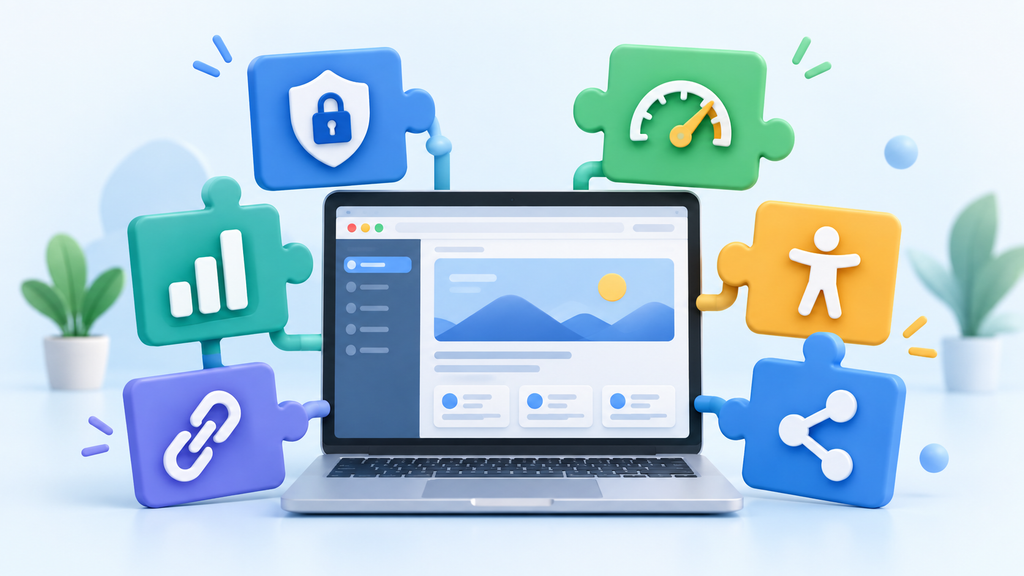
While building my WordPress website, I have learned that plugins can add valuable features without requiring the website owner to know how to code. Plugins can provide security, backups, contact forms, analytics, accessibility, and many other functions. However, I have also learned that installing plugins should be done carefully. Every plugin adds software to a WordPress website, so it is important to choose plugins that are safe, trustworthy, and actually useful.
Choosing Safe and Trusted Plugins
One of the safest places to find plugins is the official WordPress Plugin Directory. Before installing a plugin, I now know that it is important to research it rather than simply choosing the first plugin that provides the feature I need.
Some of the things I look for include:
- Recent updates: A plugin that has not been updated in a long time may no longer work properly with newer versions of WordPress.
- Compatibility: I check whether the plugin is compatible with my current version of WordPress.
- Ratings and reviews: Reviews can provide useful information about other users’ experiences and possible problems.
- Number of active installations: A large number of active installations can provide additional information about how widely a plugin is being used.
- Developer reputation and support: I prefer plugins from established developers who continue to maintain their products and respond to problems.
I would also be cautious about downloading free versions of paid plugins from unfamiliar websites. These plugins could contain malicious code, be outdated, or create security problems.
Other Ways to Find WordPress Plugins
Plugins can be found directly through Plugins > Add New Plugin in the WordPress dashboard. They can also be found through reputable WordPress developers, commercial marketplaces, educational resources, and established WordPress websites. Regardless of the source, I think it is important to research a plugin before installing it.
The Additional Plugin I Selected
For my website, Gut Forward, I selected Broken Link Checker. My website focuses on digestive health topics such as constipation, gut motility, nutrition, and digestive wellness. I plan to reference research studies and other reliable health resources throughout my articles.
I originally considered Easy Table of Contents, but after researching it further, I found reviews reporting glitches and decided it was not the best choice for my website. I also considered manually checking links, but this could become difficult as the website grows.
Broken Link Checker can identify links that are no longer working. This is especially useful for my website because research articles and outside resources may be moved, updated, or removed over time.
Benefits to My Website
As the website owner, Broken Link Checker can help me maintain my articles and identify links that need attention. For visitors, working links make it easier to access the research and resources referenced in my posts.
This assignment has taught me that plugins should not be installed simply because they are available. Each plugin should serve a useful purpose while also being safe, reliable, and appropriate for the website.