External Storage and File Sharing
External storage and file-sharing services are important tools for managing a WordPress website. Instead of keeping all website files in one location, these services allow website owners to store backups, images, documents, and other important files somewhere separate from the website. This can help protect files if the website experiences a technical problem or data loss.
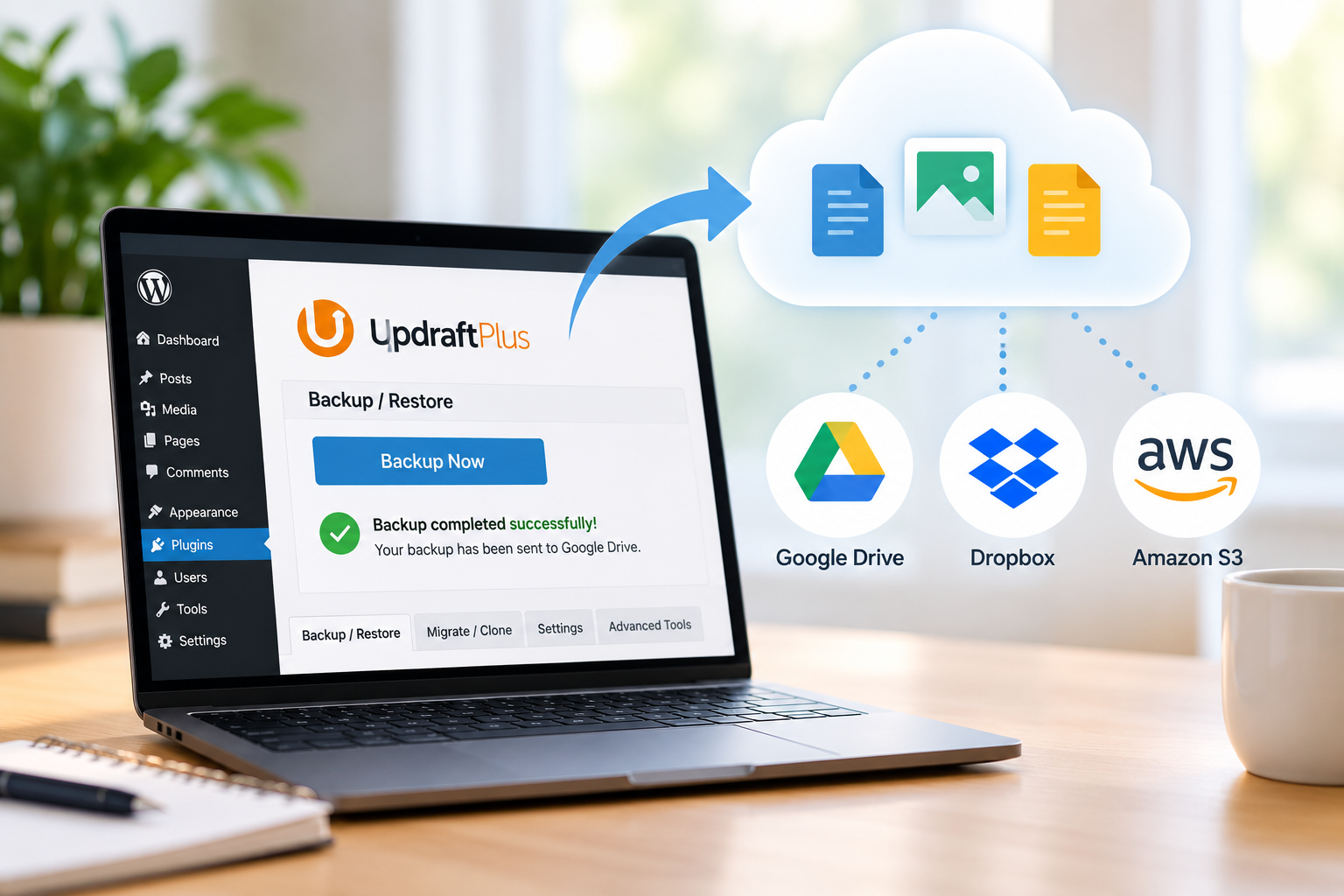
Having a backup plugin is the first step, but the backup also needs a safe location where the files can be stored. My WordPress website uses UpdraftPlus – Backup/Restore, which allows me to connect WordPress backups to several external storage services. Three options that work with WordPress and UpdraftPlus are Google Drive, Dropbox, and Amazon S3.
Google Drive
Google Drive provides cloud storage for documents, images, videos, and website backups. It is convenient for someone who already uses other Google services.
Pros: Easy to use, includes free storage, and makes files accessible from multiple devices.
Cons: Free storage is limited and is shared among Google services, so additional storage may eventually be needed.
Dropbox
Dropbox is another cloud-based service that can store WordPress backups and other website files. It also makes it easy to share files with other people.
Pros: Simple file sharing, automatic synchronization between devices, and integration with WordPress backup tools such as UpdraftPlus.
Cons: The free plan provides limited storage, and additional space requires a paid plan.
Amazon S3
Amazon S3 is a cloud storage service that can be used for larger amounts of website data and backups. UpdraftPlus supports storing WordPress backups on Amazon S3.
Pros: Designed for reliable cloud storage, can handle large amounts of data, and provides another location for important website files.
Cons: It can be more complicated to set up than Google Drive or Dropbox, and costs can increase depending on the amount of storage and usage.
Why External Storage Matters
For my Gut Forward website, external storage provides an additional way to protect and organize important website information. I currently have UpdraftPlus installed, which allows me to create backups and connect them with external storage services.
As my website grows, I will also have research articles, images, drafts, and other resources that need to be organized and protected. Keeping copies outside of WordPress can make it easier to recover important information and manage website content over time.