My Website Security and Users
Website security is critical to the operation, usability, and success of a website. If a site is compromised, important information can be lost, and visitors may lose trust in the website. As more of our personal and professional lives move online, we must find new ways to protect our websites and hard work.
Protecting My Website
One thing I have learned is that website backups are important, but they cannot prevent malicious attacks. A secure website needs several layers of protection. Gut Forward uses several security measures:
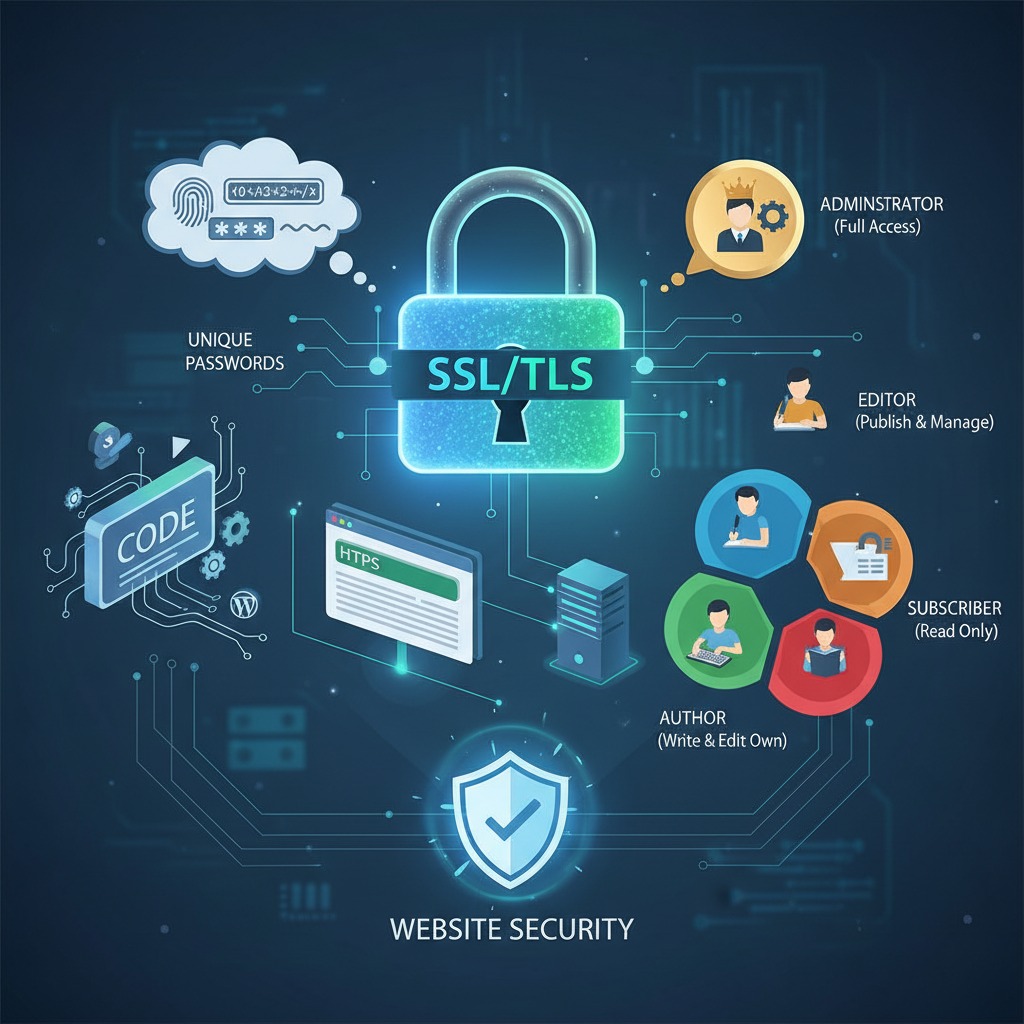
- SSL protection to encrypt information exchanged between my website and its visitors.
- Security plugins such as Wordfence to help detect malicious activity, block threats, and protect login areas.
- Strong, unique passwords and limited user access to reduce the risk of unauthorized access.
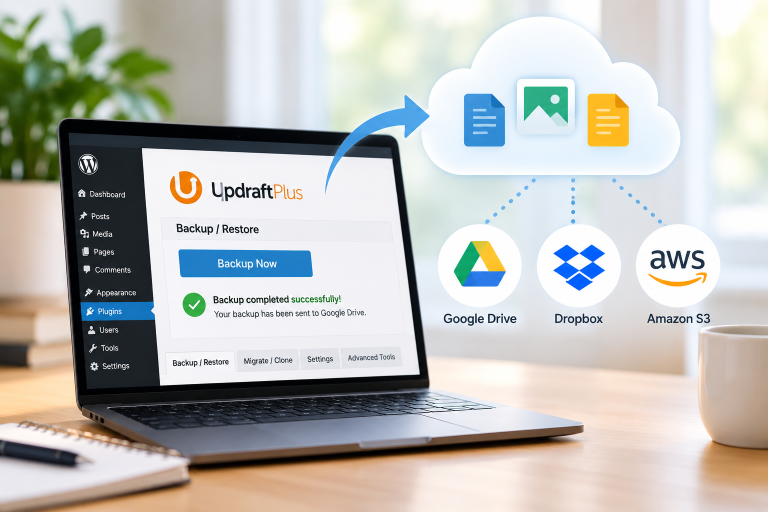
- Regular backups and updates help protect the site and allow me to restore it if something goes wrong.
User Roles as Gut Forward Grows
Right now, I expect to primarily use the Administrator role. As the administrator, I manage the website, plugins, settings, users, and content.
As Gut Forward grows, I could add an Editor to review, edit, publish, and manage content. An Author could create and publish their own articles. At first, one person may handle both responsibilities. As the volume of content increases, separating these roles could make managing the website easier.
A Contributor could write and submit content for consideration but could not publish it independently. I also anticipate having many Subscribers who register with Gut Forward. Subscribers would have the most limited website access and could maintain their own profiles. As the website grows, registered users could also receive newsletters, updates, and promotions by email.
For now, I plan to create most of the content myself. In the future, partnerships and growth may allow other people to contribute. Assigning appropriate user roles will allow them to participate while limiting their access to only what they need.