Developing Plugins
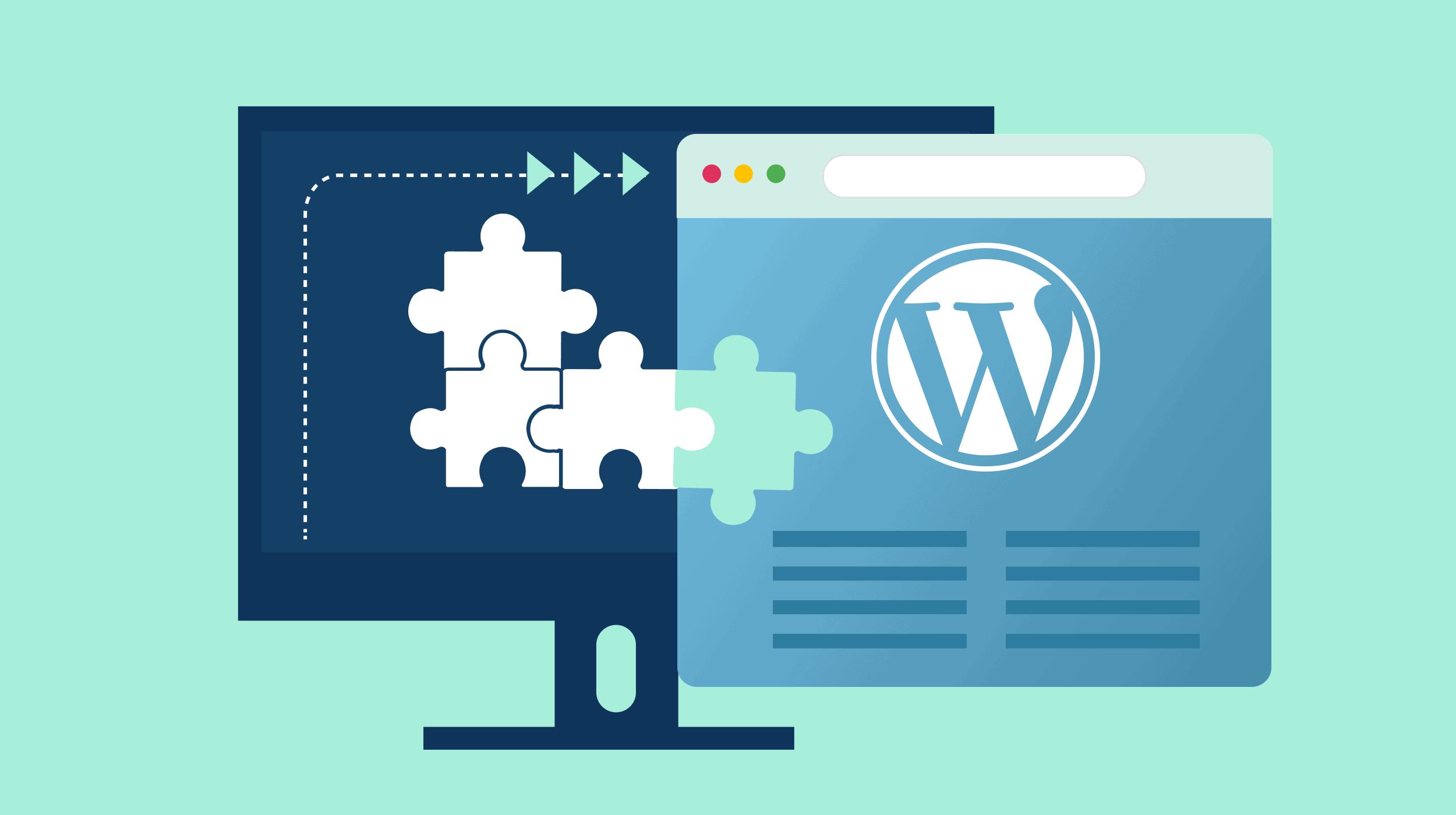
One of the most interesting things I have learned while developing my Gut Forward website is how WordPress plugins can expand the functionality of a website. Throughout this course, I have installed several plugins to improve my website’s appearance, security, accessibility, social media integration, and overall performance. In this lesson, I had the opportunity to go beyond installing existing plugins and learn how to develop my own custom WordPress plugin.
My Experience Developing a Custom Plugin
For this lesson, I created a plugin called Custom Linked File Icons. The purpose of this plugin is to display graphic icons next to links for different file types, including PDF, Word, Excel, JPG, MP3, and ZIP files. This feature helps visitors recognize the type of file they are accessing before clicking on a link.
Creating this plugin involved working with PHP and CSS files, adding a plugin header, organizing image files, and uploading the completed plugin directory to my IONOS-hosted WordPress website using Cyberduck.
Although the assignment provided starter code, I still gained a better understanding of how plugins are structured and how PHP and CSS work together to add functionality and visual elements to a website.
Custom Plugins: The Pros and Cons
Advantages
1. Greater Customization
Custom plugins allow me to create features specific to Gut Forward, such as file icons for downloadable health guides and symptom trackers.
2. Improved Efficiency
A custom plugin can focus on essential features without adding unnecessary functionality, potentially improving website performance.
3. Technical Skills
Developing my own plugin helped me learn PHP, CSS, file organization, and FTP, giving me more confidence in managing WordPress.
Disadvantages
1. Time and Technical Knowledge
Developing a custom plugin requires programming knowledge, time, and testing. Existing plugins can often be installed in minutes.
2. Security and Maintenance
Custom plugins require ongoing updates to remain secure and compatible with new versions of WordPress and PHP.
3. Limited Support
Unlike established plugins with documentation and support forums, custom plugins may require me to troubleshoot and resolve problems independently.
Using Existing WordPress Plugins
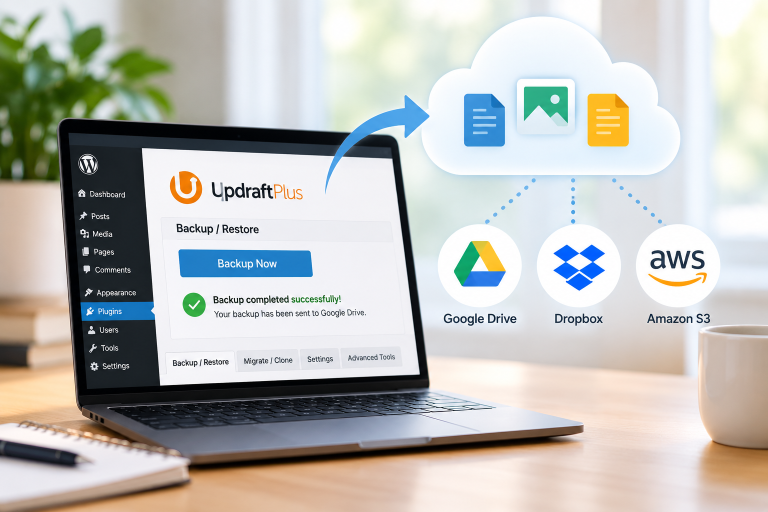
The WordPress Plugin Directory provides thousands of plugins that can save website owners considerable time and effort. For example, I have used Jetpack to explore website statistics and social media features, Wordfence for security, and Smash Balloon to display my Instagram feed on Gut Forward.
In this lesson, I also installed Gutenberg Blocks and Template Library by Otter. This plugin provides additional blocks and design tools that can help me create more visually appealing blog posts without having to develop those features myself.
However, using existing plugins also has disadvantages. Some plugins require paid subscriptions for advanced features, may conflict with other plugins or themes, or may include more functionality than a website actually needs. It is important to evaluate a plugin’s reviews, updates, compatibility, and support before installing it.
My Final Thoughts
After completing this lesson, I believe that the best approach is to use a combination of existing and custom-developed plugins. Existing plugins are often the most practical choice for complex features such as website security, analytics, and social media integration. Custom plugins can be valuable when a website needs a specific feature that is not readily available or when the website owner wants greater control over how that feature works.
As I continue developing Gut Forward, I want to create a website that is professional, educational, easy to navigate, and helpful to people looking for digestive health information. Understanding how plugins work gives me more confidence in choosing the right tools and developing custom solutions when necessary.
This lesson has shown me that WordPress is much more than a platform for publishing blog posts. It is a flexible content management system that allows website owners to continue expanding and customizing their websites as their needs evolve.
Testing My Custom Linked File Icons Plugin
To demonstrate that my Custom Linked File Icons plugin is functioning correctly, I have included two different file types below. The plugin automatically displays a graphic icon next to each file link, making it easier for visitors to identify the type of file before downloading it. This feature could be especially useful as Gut Forward grows to include downloadable health guides, educational resources, and podcasts.